Windows · for tournament observers
PCOB
MANAGER
Slot management for PUBG MOBILE tournaments, from the import to the last swap before the lobby opens. Logos, colours and names land where they belong without being typed twice, and an observer that reads the live match decides where the camera goes.
-
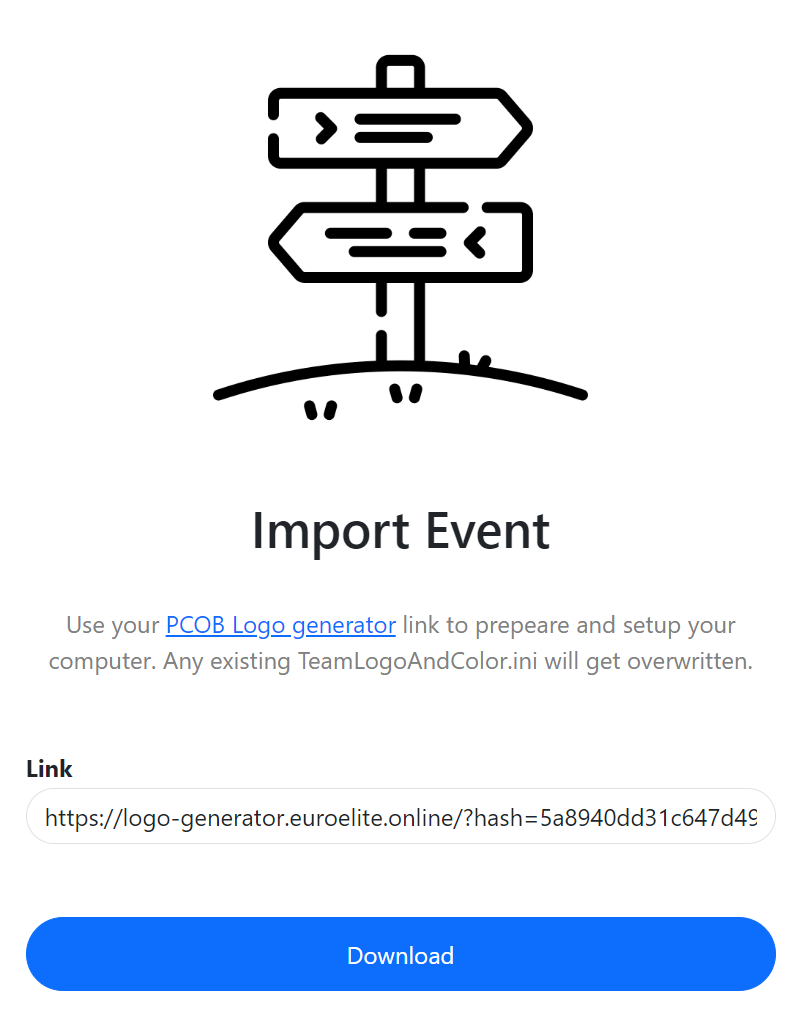
teamLogoAndColor.ini
Logos and names stop being a chore
Drop the logos in once. The file the observer client reads is written for you, with the right names, the right colours and the right slots. No hand-editing, no typos an hour before broadcast.
-
Mid-event
Swap a team without redoing the lobby
A team drops out, a substitute moves up, the order shifts. Move the slot and everything that hangs off it moves with it, while the event keeps running.
-
Automatic
An observer that follows the fight
It watches the live match data and moves the camera to where something is happening, so a single operator is not the limit on what the audience gets to see.
-
Assisted
Or just tell you who to watch
Prefer to stay on the sticks? It ranks who is worth cutting to right now, with the reason next to it. You keep the decision.
Automation
One switch, and a way to overrule it
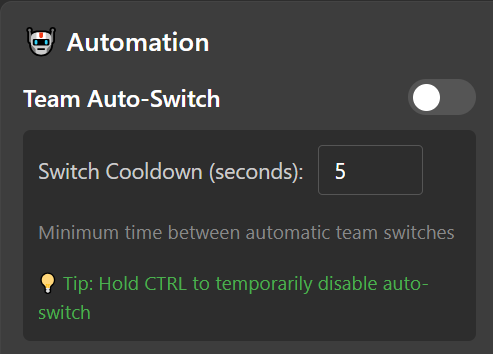
Turn auto-switch on and the camera follows the match on its own. The cooldown keeps it from twitching between fights every other second, and holding CTRL parks it wherever you put it for as long as you hold.
Get it
Windows installer. Runs next to the observer client on the same machine and needs nothing else installed.
Trouble, or a question about a specific event? Ask in Discord.